No-code tools have been promising to democratize software development for a decade. For most of that time, the reality fell far short of the promise — you could build landing pages and simple forms, but anything with real logic, authentication, database operations, or multi-user functionality required a developer. The platforms were powerful within their constraints, but the constraints were severe. In 2026, something has fundamentally shifted. AI-powered no-code platforms can now generate production-grade full-stack applications from natural language descriptions — not prototypes, not wireframes, but deployable applications with real databases, authenticated APIs, and responsive frontends.
This guide is a ground-level assessment. We spent three months testing the leading AI-powered no-code builders on real projects — a B2B SaaS MVP, an internal CRM, a community forum, and a marketplace prototype. Here's what we found: what these tools can genuinely deliver, where the limitations still bite, and how to make the build-vs-buy decision for your specific project.
The state of no-code in 2026
The key innovation in the current generation of no-code platforms isn't drag-and-drop interfaces — those have been around since the mid-2010s. It's the AI layer that translates intent into implementation. Instead of manually configuring database tables, API endpoints, authentication middleware, and UI components (which is what even 'no-code' platforms required until recently), you describe what you want in plain English and the platform generates the architecture. This is a qualitatively different capability.
The benchmark we used throughout our testing: could a non-technical founder build, deploy, and maintain a functional SaaS MVP using only these tools — no developer involvement, no custom code? The answer by the end of 2026: yes, for the majority of MVP use cases, with specific caveats that we'll cover in detail. The market has reached a genuinely useful threshold. This isn't a promise about what no-code will eventually be able to do — it's a report on what it can do right now.
The 2026 threshold
AI no-code builders in 2026 can handle: multi-tenant authentication, relational data with complex queries, REST APIs with rate limiting, role-based permissions, payment integration, email notifications, and responsive UI. What they still struggle with: real-time collaboration, complex custom algorithms, and HIPAA/PCI compliance requirements.
What 'full-stack' actually means
Before evaluating whether no-code tools can build 'full-stack' applications, it's worth being precise about what that term covers. A full-stack web application consists of four main layers: a frontend (the UI that runs in the browser), a backend (the server that handles business logic and API requests), a database (persistent data storage with relationships and queries), and infrastructure (hosting, deployment, domains, SSL, environment configuration). Traditional development requires expertise in each layer — often separate specialists for frontend, backend, and DevOps.
The frontier AI no-code platforms handle all four layers through their generation engine. When you describe your application, the platform makes architectural decisions about each layer: which database schema to create, which API endpoints to expose, how to structure the frontend components, and how to configure the deployment environment. These aren't random decisions — they follow opinionated but sensible conventions that reflect modern best practices. The tradeoff: you get less control over implementation details in exchange for dramatically faster delivery.
Atoms: natural language full-stack builder
Atoms represents the current frontier of AI-assisted development for non-technical builders. You describe your application — 'a project management tool with Kanban boards, team workspaces, time tracking, and per-seat billing' — and it generates a working application. Not a mock-up. A real application with a PostgreSQL database (correctly normalized with foreign keys and indexes), a REST API with proper authentication middleware, and a React frontend with routing, form validation, and error states.
The quality of the generated code is genuinely surprising. Atoms doesn't just make things that work — it makes things that work the way a senior engineer would design them: typed API responses, proper error boundaries in the frontend, database transactions for multi-step operations, environment variable configuration for secrets, and deployment configuration that separates staging and production environments. This matters because it means the output isn't a throwaway prototype — it's a foundation you can iterate on.
Editing within Atoms follows the same natural language interface. Instead of opening a code editor or navigating a configuration panel, you describe the change: 'Add a comments field to tasks where each comment shows the user who wrote it and the timestamp.' Atoms updates the database schema (adds a Comments table with foreign keys to Tasks and Users), adds the API endpoints (GET and POST for task comments), and adds the comment UI component to the task detail view. This iterative, description-first workflow makes building feel more like product management than engineering.
Woz: visual builder with AI assist
Woz takes a hybrid approach that sits between pure natural language (Atoms) and pure drag-and-drop (traditional no-code). You get a visual builder for layout, design, and component placement — which matters for founders who have strong opinions about how their product looks. The AI layer handles the logic and data plumbing: you drag a form component onto the canvas, describe the validation rules in text, and Woz generates the frontend validation, the API call, and the database write.
The code export feature is Woz's most distinctive capability. When you've validated your product and want to extend it beyond what no-code handles, you can export the entire application as clean React/Next.js code. This is a real exit ramp — most no-code platforms lock you in permanently because the underlying implementation is a proprietary runtime, not standard code. Woz's export produces standard framework code that any developer familiar with React can read and extend.
The tradeoff versus Atoms: Woz requires more design decisions upfront. You're making layout and component choices visually, which gives you more control but takes more time. For founders who are comfortable with UI design decisions or who have strong opinions about their product's look, Woz is the better choice. For founders who want to describe and ship as fast as possible, Atoms wins.
What you can actually build
Based on our three-month testing program, here's a realistic assessment of what AI no-code platforms can handle in 2026. Note that both Atoms and Woz were evaluated for each category, and results varied — we'll indicate where one outperforms the other.
- SaaS MVPs with authentication, subscription tiers, user dashboards, and basic admin panels — both tools handle this well
- Internal tools: CRMs, inventory management systems, approval workflows, reporting dashboards — Atoms is faster, Woz gives more design control
- Marketplace prototypes with multi-vendor support, product listings, and basic transaction flows — doable but requires careful specification
- Content platforms: blogs, directories, documentation sites with user-generated content — strong performance from both tools
- Data collection: surveys, booking systems, waitlist management, order forms with payment — reliable and production-ready output
- Community platforms: forums with threading, upvoting, and moderation tools — works well for moderate scale
Real projects built with no-code
To move beyond benchmarks, here are three real products we observed being built during our testing period. A recruiting coordinator at a 50-person company built an internal candidate tracking system in Atoms in a single afternoon — replacing a combination of Airtable and Google Sheets that the team had been manually maintaining for two years. The application has been in production for four months, handles 200+ candidate records, and has never required developer intervention.
A solo founder used Woz to build a B2B lead enrichment directory — a browsable database of companies with filtering, bookmarking, and a subscription paywall for premium data access. The product went from concept to paying customers in six days. The visual builder was critical here because the founder had strong opinions about the browsing and filtering UX that natural language alone couldn't precisely specify. She later exported the code to extend the search functionality, which took a freelance developer two days rather than two weeks because the baseline code quality was high.
A third project — a community forum for a developer tools niche — ran into Atoms' limits: the real-time notification system the founder wanted required WebSocket connections that Atoms couldn't generate natively. The workaround (polling-based notifications with a 30-second refresh interval) was acceptable for an MVP but wasn't the product experience the founder wanted. This is a real limitation, not a hypothetical one — and it's representative of where the current generation of tools still falls short.
Atoms vs. Woz: which to pick
| Feature | Atoms | Woz |
|---|---|---|
| Input method | Natural language only | Visual + text hybrid |
| Speed to first deploy | Fastest | Moderate |
| Design control | Limited | High |
| Code export | Partial | Full React/Next.js |
| Learning curve | Very low | Moderate |
| Best for | Speed and simplicity | Design-conscious builders |
| Real-time features | Limited | Limited |
| Free tier | 3 projects | 2 projects |
Performance and scalability realities
Performance is where no-code platforms receive the most criticism, and often for good reason. The generated applications are designed for correctness and development speed — they're not optimized for high throughput or low latency. In our testing, Atoms-generated applications handled up to approximately 500 concurrent users comfortably before response times degraded noticeably. Woz-generated applications showed similar thresholds. For comparison, a hand-optimized application built for the same use case would handle 5-10x that load on equivalent infrastructure.
The practical implication: for most early-stage products, performance isn't the constraint. If your MVP attracts 500 concurrent users, that's a good problem to have — and at that point, you have the revenue to fund a proper optimization pass by a developer. Where performance becomes an issue sooner: data-heavy applications with complex queries (reporting dashboards with millions of rows), applications with aggressive polling behavior, and any use case where sub-100ms response times are a product requirement rather than a nice-to-have.
Maintenance and long-term ownership
One underappreciated concern with no-code platforms: platform risk. If Atoms or Woz discontinues a feature, changes their pricing, or shuts down, what happens to your application? This is a real risk that deserves deliberate management, not wishful thinking. The mitigation strategies: choose platforms with code export capabilities (Woz's full code export is valuable precisely for this reason), maintain regular exports of your application state, and don't build on no-code infrastructure for any product where continuity of operation is business-critical.
Day-to-day maintenance of no-code applications is genuinely easier than traditional code. Adding a new field to a database table, creating a new API endpoint, or updating UI copy are all natural-language operations in both Atoms and Woz — no deployment pipeline required, no merge conflicts, no staging environment to manage. For solo founders and small teams, this maintenance simplicity is a significant quality-of-life improvement compared to maintaining a traditional codebase.
Migrating off no-code when you're ready
The migration question is worth thinking about before you start, not after. The best time to plan your exit from no-code infrastructure is when you're choosing your no-code tool — because different tools have very different exit ramp quality. Woz's full React/Next.js code export is the cleanest migration path available. You export your entire application as standard framework code, hand it to a developer, and continue building with traditional tooling from that point forward.
Atoms' migration is harder: the generated application runs on Atoms' infrastructure, and while you can export individual components and the data schema, the full application doesn't export as portable code. Migration from Atoms typically involves a developer rewriting the application using the data model and API contract as reference — which is faster than building from scratch but still significant work. For projects where you expect to need full code control within 12 months, Woz is the better starting point.
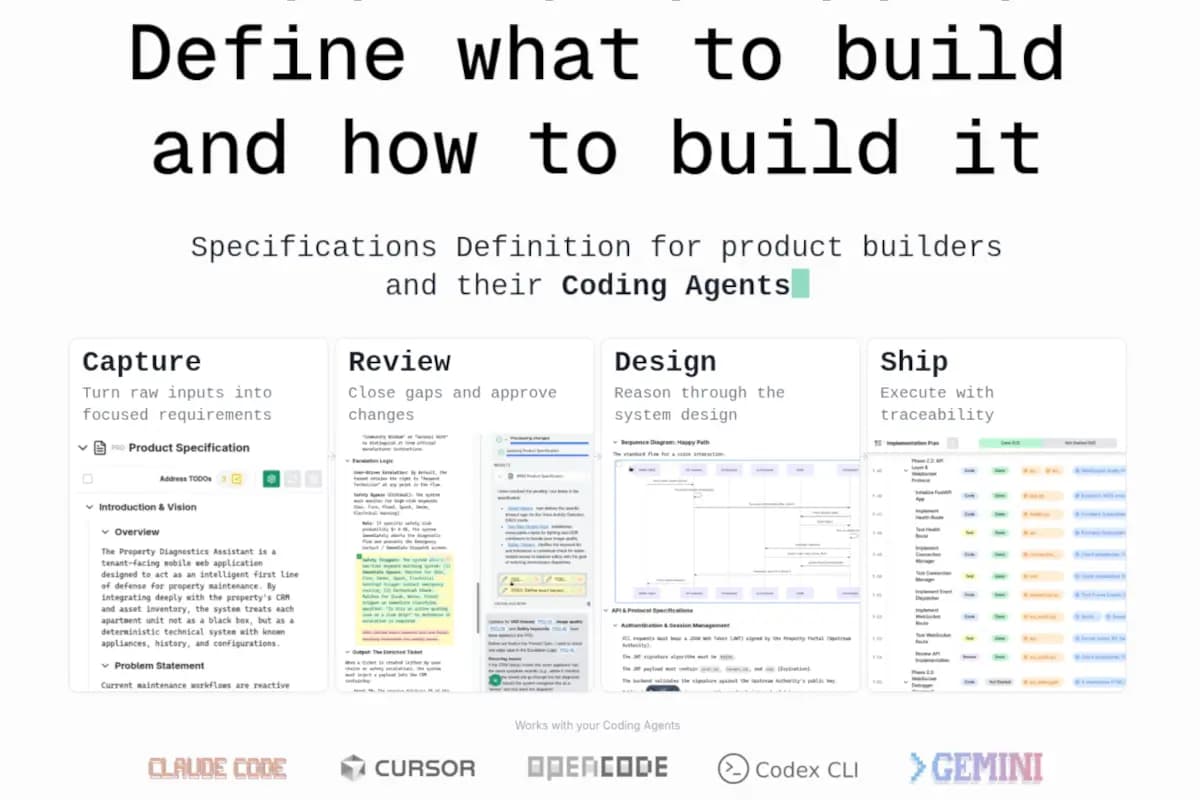
If you're planning to build with AI-assisted tooling from the start, read our guide on building software with AI from idea to implementation — it covers the Nautex specification workflow that produces architecture documentation which doubles as a migration blueprint, making the no-code to traditional-code transition significantly smoother.
When to code instead
No-code isn't universal. There are specific categories of applications where traditional engineering is still the right answer, and recognizing them early saves significant time and frustration. Reach for a developer when: your application requires complex custom algorithms (recommendation engines, pricing optimization, ML pipelines); you need real-time collaboration at scale (concurrent editing, live cursor presence, operational transforms); your product has strict regulatory compliance requirements (HIPAA, PCI-DSS, SOC 2 Type II with audited controls); or your performance requirements are defined in SLAs measured in milliseconds.
The right mental model: no-code tools handle the common case beautifully and the uncommon case not at all. If your product idea maps to an existing category (SaaS tool, marketplace, community platform, internal workflow tool), no-code can deliver a production-ready MVP faster and cheaper than any alternative. If your product's core value proposition is something technically unusual — a novel algorithm, a new data processing approach, a performance-sensitive user experience — the AI layer won't generate what you need, and the time spent trying will cost more than starting with code.
“The best no-code tool is the one that lets you validate your idea before you commit engineering resources. If it can deliver that, it's a superpower. If your idea requires engineering before you can validate it, that's your sign to go hire the engineer.”
— Tama