The hardest part of building software isn't writing code — it's deciding exactly what to build and how to structure it before a single line is written. Most AI coding tools assume you already have a clear specification. But most founders and product people don't. They have an idea, a rough mental model of how it should work, and a lot of gaps they haven't thought through yet. Give a vague prompt to Cursor or Copilot and you'll get something that technically runs but misses the mark in ways that take days to untangle.
This guide covers the two-tool workflow that's emerged as the most effective approach for founders building with AI in 2026: a specification tool that transforms fuzzy ideas into structured, AI-executable plans, and a builder tool that turns those plans into working full-stack applications. Together, they compress what used to take weeks of planning, scaffolding, and iteration into a single focused day. Here's exactly how to use them.
The specification problem
Ask any experienced engineer what kills AI-assisted development projects and they'll tell you the same thing: bad specifications. The quality of what an AI coding tool produces is directly proportional to the quality of what you give it. This isn't a limitation that will be fixed by the next model release — it's a fundamental property of how these systems work. They're powerful executors, not mind readers. They need clear instructions about architecture, data models, user flows, and edge cases to produce code worth keeping.
The specification gap is especially wide for non-technical founders, but it affects technical founders too. You can know exactly how to write the code and still struggle to articulate, in advance, all the design decisions you'd normally make iteratively during development. What's the data model for a multi-tenant SaaS? How does the permission system handle guest users? What happens when a user's subscription lapses and they try to access premium features? These questions seem obvious in retrospect but require deliberate thinking upfront.
The leverage point
30 minutes spent writing a precise specification saves 8 hours of AI iteration. The best AI-assisted builders have internalized this ratio — they're almost obsessive about spec quality before touching a coding tool.
Choosing your AI coding environment
Before we get into specification tools, it's worth briefly addressing the AI coding environment question, because different tools have different strengths depending on how you're working. Cursor is the current leader for professional developers who want AI deeply integrated into a full IDE experience — it handles complex codebases well and its composer mode is excellent for multi-file changes. Windsurf (formerly Codeium) is a strong alternative with a more opinionated workflow. GitHub Copilot is the right choice if your team is already in VS Code and you want minimal workflow disruption.
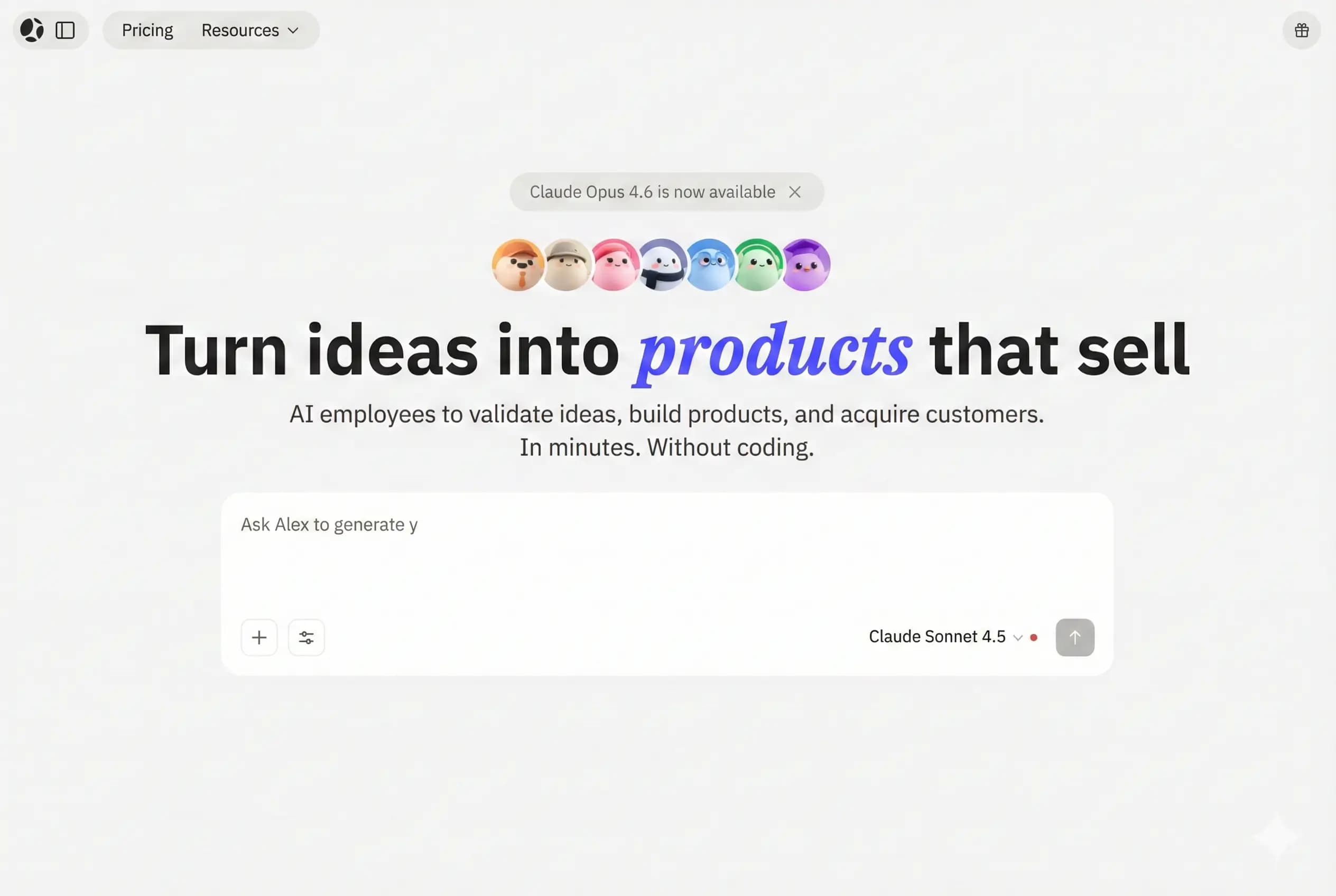
For non-technical founders or small teams without dedicated engineers, the calculus is different. Raw AI coding tools require enough technical context to evaluate whether the generated code is correct, secure, and maintainable. If you don't have that context, the risk is that you ship code with fundamental problems you can't see. This is where AI-powered full-stack builders like Atoms (covered below) are a better fit — they abstract the code layer entirely and produce deployable applications from natural language descriptions.
Nautex: idea to spec
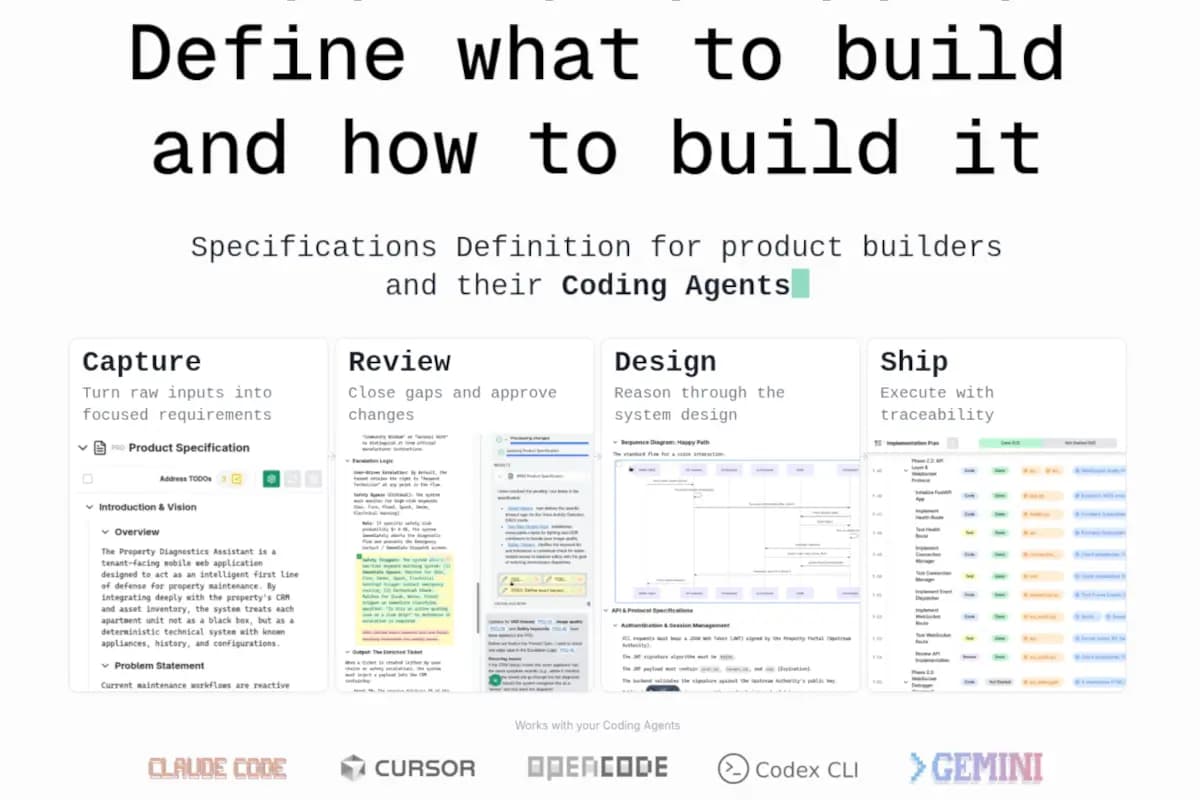
Nautex works through a structured interview process. It asks you questions about your target users, the core problem you're solving, the features you need at launch versus post-launch, your technical preferences and constraints, and the scale you're designing for. The questions are intelligent — if you say you need multi-tenant authentication, it follows up about role structures and permission inheritance. If you mention real-time features, it probes your latency requirements and asks about WebSocket versus polling trade-offs.
The output is a structured specification document that includes: a product requirements document with prioritized user stories, a data model with entity relationships and field types, an API contract with endpoint signatures and expected payloads, a component breakdown for the frontend, and a technical risk register that flags areas where your requirements create architectural tension. This is not a generic document — it reflects the specific product you described, with the design decisions made explicitly rather than left ambiguous.
The spec export formats are particularly valuable. Nautex can export directly as a context file that Cursor or Windsurf will read when you open the project, effectively giving the AI coding assistant a complete briefing on what you're building before it writes a single line. It also exports in a format that Atoms reads natively, which is the workflow we'll cover in depth.
Writing specs AI actually understands
Whether you use Nautex or write your spec manually, there are specific qualities that make AI coding tools perform dramatically better. The most important is precision about data models. Don't say 'users can have multiple projects' — say 'a User has many Projects, a Project belongs to one User (owner), and Project has fields: id (uuid), name (string, 100 chars max), status (enum: draft/active/archived), createdAt, updatedAt.' The more explicit you are about data structures, the less the AI has to invent on its own.
The second critical element is explicit authentication and authorization requirements. Most security issues in AI-generated applications come from underspecified auth — the AI makes reasonable-sounding assumptions that turn out to be wrong for your specific use case. Specify exactly which endpoints require authentication, what roles exist, and what each role can and cannot do. If you're building multi-tenant SaaS, describe the tenant isolation model explicitly: can users in Tenant A ever see Tenant B's data? Under what circumstances can an admin of Tenant A see data from all tenants?
The third element: error states and edge cases. Happy path specifications are easy. What happens when a user tries to delete an account that has active subscriptions? What happens when an API call to a third-party service times out? What does the user see when their free tier limit is reached? These aren't details you can add later — they shape the architecture of your application at the data model and API contract level.
Atoms: spec to application
Where Nautex handles the thinking phase, Atoms handles the building phase. Feed it a Nautex spec (via direct export or pasted text) and it generates a working full-stack application: relational database with migrations, REST API with authentication and rate limiting, and a responsive frontend with navigation and forms. In our testing, a Nautex spec for a B2B SaaS project management tool took four hours from first Nautex question to a deployed, functional MVP. That included two rounds of refinement within Atoms.
The code quality is a legitimate differentiator. Early no-code and AI builder tools generated functionally-correct but architecturally-messy code that was hard to extend. Atoms generates code that follows opinionated but sensible conventions: typed API responses, proper error handling at every layer, input validation with informative error messages, and database queries that avoid N+1 patterns. The result isn't just something that works — it's something you can hand to a developer later and have them extend without a full rewrite.
The full workflow end-to-end
- 1Describe your idea to Nautex — answer the guided interview questions (20–30 min)
- 2Review the generated specification — pay particular attention to the data model and auth requirements, refine anything that doesn't match your mental model (20 min)
- 3Export the spec to Atoms (or feed it to your preferred AI coding environment as context)
- 4Generate the initial application in Atoms — review each major component before confirming
- 5Iterate on specific components using Atoms' natural-language edit interface
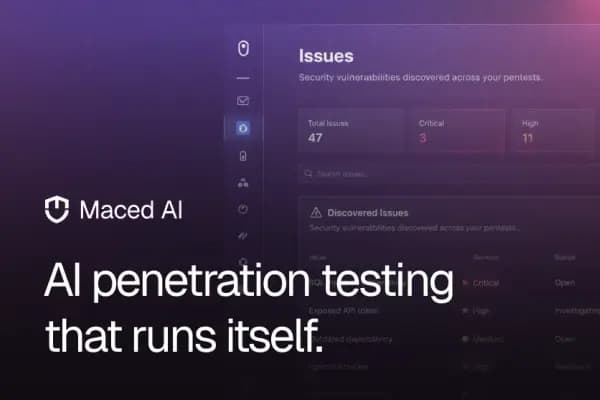
- 6Run Maced AI's automated security scan on the generated codebase before deploying
- 7Deploy and test with real users — treat the first version as a learning instrument, not a finished product
The magic isn't in any single tool — it's in the pipeline. Nautex gives you clarity. Atoms gives you velocity. The security scan (covered in our guide on automated security testing for startups) gives you confidence. Together, they compress what used to take weeks of planning and scaffolding into a single afternoon, with a result that's significantly more solid than most rushed MVPs.
Debugging AI-generated code
AI-generated applications will have bugs. Understanding how to debug them efficiently is as important as knowing how to generate them. The most common issues fall into three categories: integration bugs (where two generated components make incompatible assumptions about data formats), edge case failures (where the AI generated the happy path but didn't fully implement the error handling it described), and performance issues (N+1 queries, missing database indexes, synchronous operations that should be async).
The most efficient debugging workflow for AI-generated code: when you encounter a bug, don't try to fix it manually. Instead, describe the bug to the AI builder tool in terms of the expected behavior versus actual behavior, and let it propose a fix. This keeps you in a natural-language interface and ensures the fix is consistent with the rest of the generated code's patterns. When you manually patch AI-generated code, you often introduce inconsistencies that create new bugs downstream.
For persistent or complex bugs that the AI can't resolve through description alone, reading the generated code is unavoidable. The good news: Atoms' generated code is well-structured enough that you can usually locate the relevant component and understand what it's doing within a few minutes, even without deep expertise in the specific framework being used. The code structure follows common patterns that are heavily documented online.
Case study: building a SaaS in a weekend
One founder we spoke with used this exact workflow to build and launch a B2B team retrospective tool over a single weekend. Friday evening: 45 minutes in Nautex, producing a 12-page specification covering data models for teams, retrospectives, action items, and voting; authentication with Google SSO and email magic links; a React frontend with real-time updates; and a PostgreSQL backend deployed on a managed hosting platform.
Saturday: four hours in Atoms generating the initial application, followed by three hours of iteration to refine the UX and fix two edge cases in the voting logic. Sunday: security scan with Maced AI (found one Medium severity issue with the session token expiry configuration, fixed in 20 minutes), custom domain setup, and first user invites sent to five beta testers by Sunday evening. Total engineering time: approximately 12 hours. The tool had its first paying customer three weeks later.
This isn't an outlier — it's increasingly representative of how early-stage products get built in 2026. The constraint on startup velocity has shifted from 'can we build it' to 'can we figure out what to build' — which is why the specification layer (Nautex) is often the highest-leverage tool in this stack.
When AI-assisted building makes sense
- MVPs and proof-of-concepts where time-to-market matters more than perfection
- Internal tools where the audience is your own team and edge cases are well-understood
- Prototypes for investor demos or user testing — validating demand before committing engineering resources
- Learning new frameworks or tech stacks by studying AI-generated idiomatic code
- Rapid iteration on product experiments — spin up a variant, test it, discard it quickly
Current limitations and honest trade-offs
AI-generated applications in 2026 are genuinely impressive — and they have genuine limitations. Complex business logic with many interdependent rules still requires careful human review; the AI tends to implement each rule correctly in isolation but can miss subtle interactions between them. Real-time collaboration features at scale (think Google Docs-style concurrent editing) require algorithmic decisions (OT vs. CRDT) that AI tools don't make thoughtfully. And performance optimization at high load still requires human judgment: query planning, caching strategy, and horizontal scaling aren't problems that natural-language builders have solved.
The honest trade-off is this: AI-assisted building gets you to 80% of a production-ready application in 20% of the traditional engineering time. That 80% is genuinely good — solid data models, clean API design, proper authentication. The remaining 20% — the parts that require deep domain expertise, creative problem-solving, or performance engineering — still requires human skill. Used correctly, these tools aren't replacing engineers; they're eliminating the weeks of scaffolding and boilerplate that used to absorb most of a startup's early engineering capacity.
“The best use of AI in software development is eliminating the tedious 80% of setup and scaffolding so you can focus all your judgment on the hard 20% that actually requires it.”
— Tama